
Tips and tabs
Tip prompts, open tabs, and tip adjustments after the sale each need to work the way your staff expects.
Esta página está disponible solo en inglés por ahora.
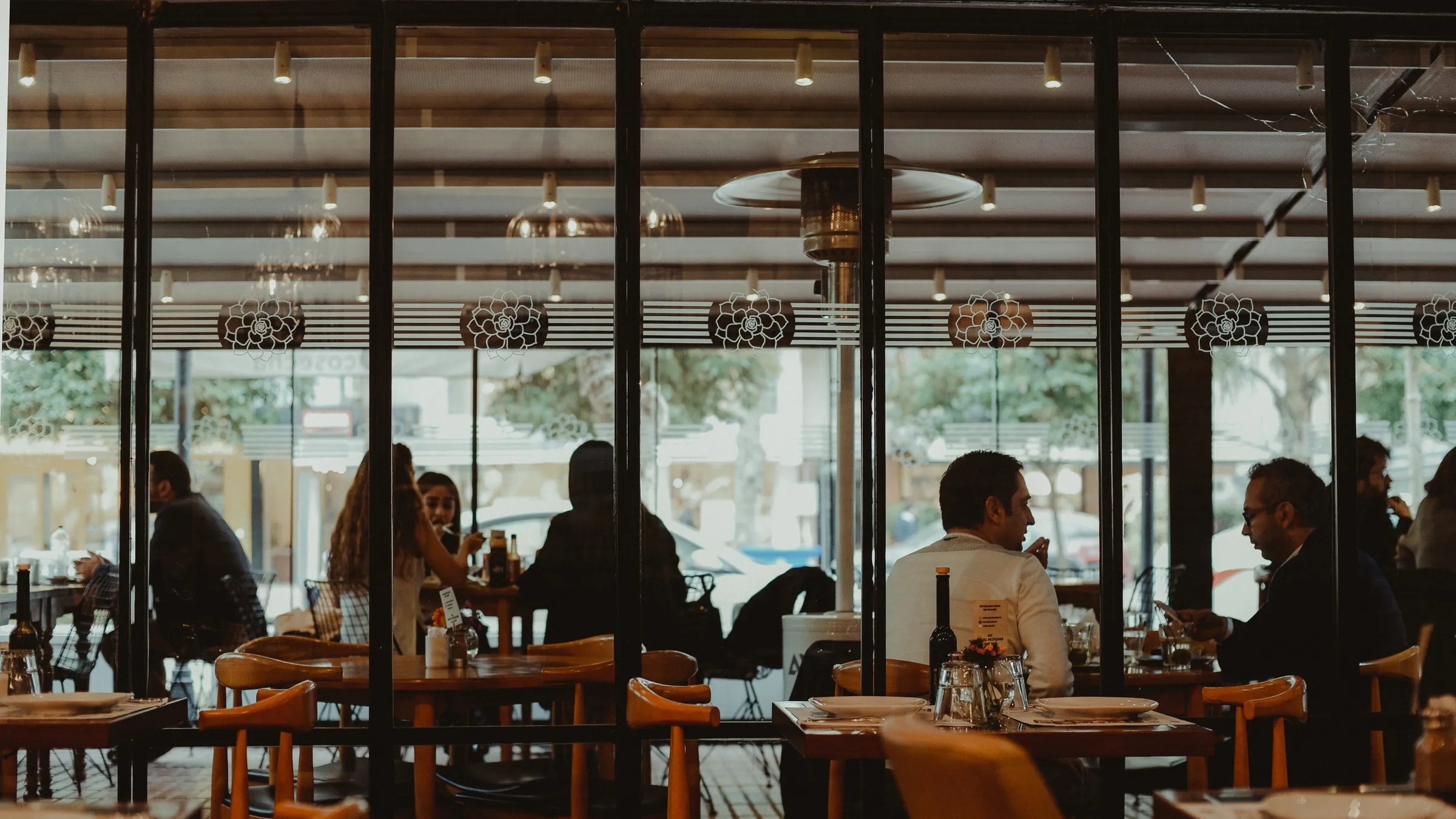
Restaurants and cafes
Payments touch every part of service: tabs, tips, split checks, takeout, and closing out at night. We map how your team works first, then compare the systems that fit it.
St. George, Utah
A POS that runs smoothly on a slow Tuesday can stall during a full-house rush. We ask about the rush first.
Common fits
Tip prompts, open tabs, and tip adjustments after the sale each need to work the way your staff expects.
Split checks and pay-at-the-table handhelds change how many devices you need.
Orders, modifiers, and kitchen printers or screens have to work with the payment side.
Online orders and delivery apps may flow into your POS, or they may not. We ask.
The number of stations, handhelds, and locations drives hardware cost.
Sales by category, tip reports, and exports to the accounting or payroll tools you already use.
Your service style decides which of these matters most. Many restaurants run more than one at once.
| Service style | How it works | Often fits | Watch for |
|---|---|---|---|
| Counter service | Guests pay at the register and staff hand over the order. | Cafes, bakeries, and quick service. | Line speed during a rush, and where the tip prompt appears. |
| Tableside | A handheld brings the payment to the table. | Full-service dining and bars. | How many handhelds you need, Wi-Fi across the dining room, and tip adjustments. |
| Takeout and online orders | Orders arrive by phone, website, or app. | Restaurants adding pickup or delivery. | Third-party ordering fees, and whether orders flow into your POS. |
General guide, not a quote. Features, fees, and availability depend on the provider and your business.
We shape the search around your service model, stations, handhelds, and kitchen flow, then compare the systems that fit.

Countertop, handheld, and POS workflows
Restaurant stations, handhelds, kitchen, and guest displays

The processing platform behind SkyTab
Equipment gallery
These are comparison options, not a promise of availability or approval. PayPro confirms the provider, device, accessories, ownership terms, and complete cost before an order is placed.
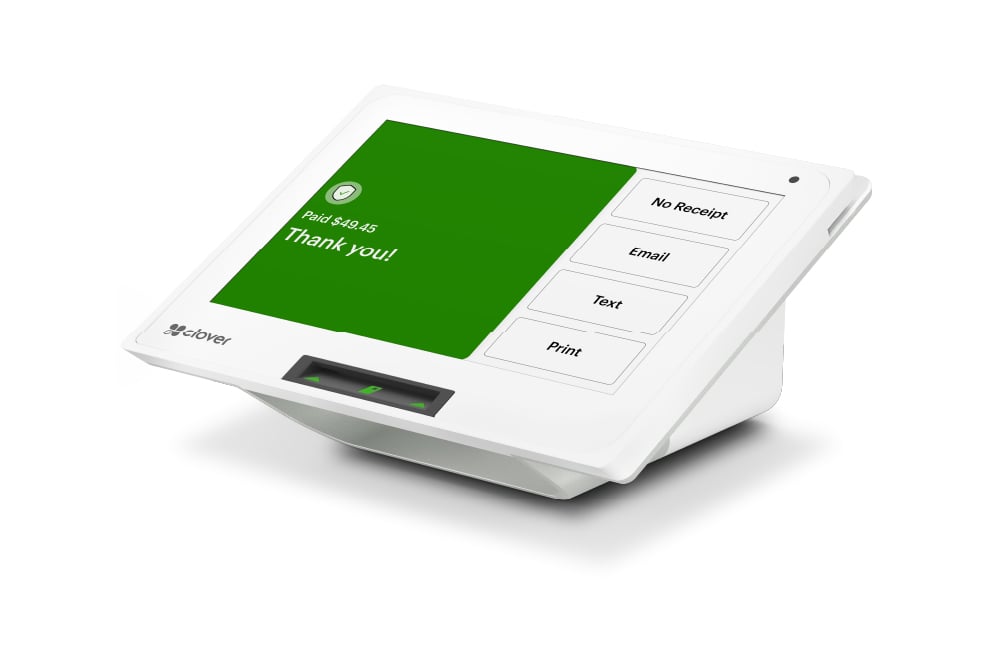
Countertop POS
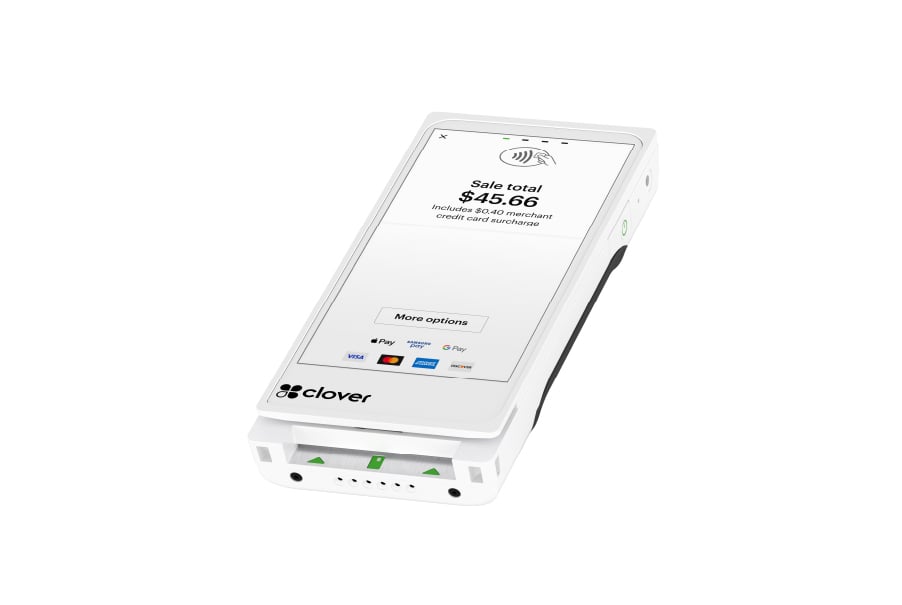
Handheld checkout
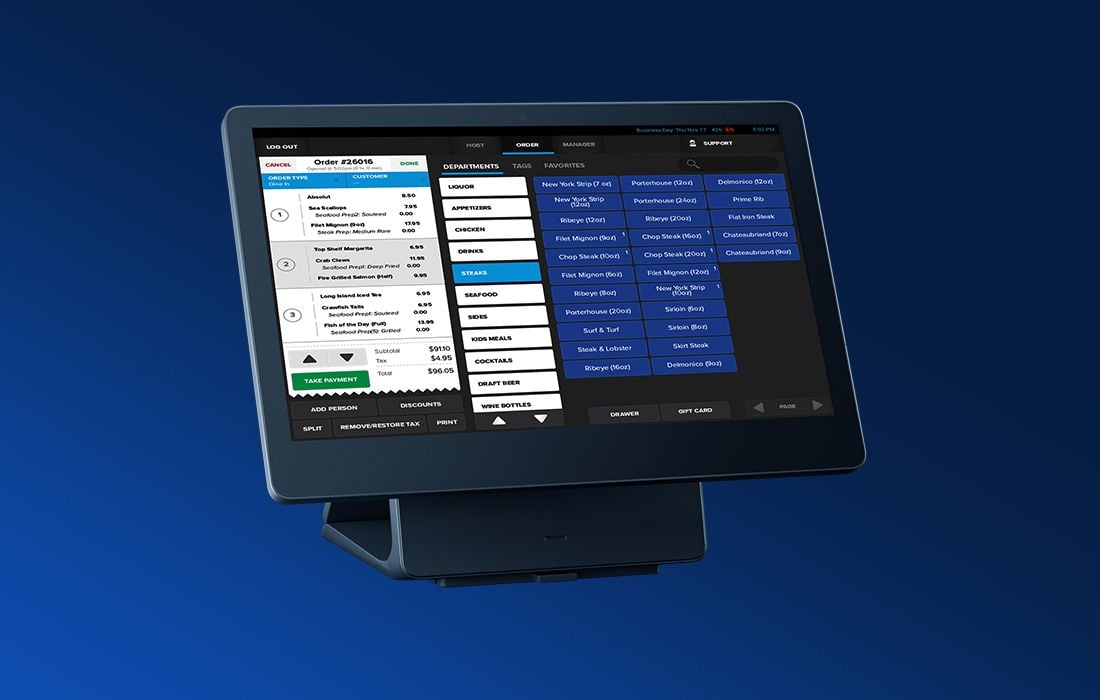
Front-of-house station
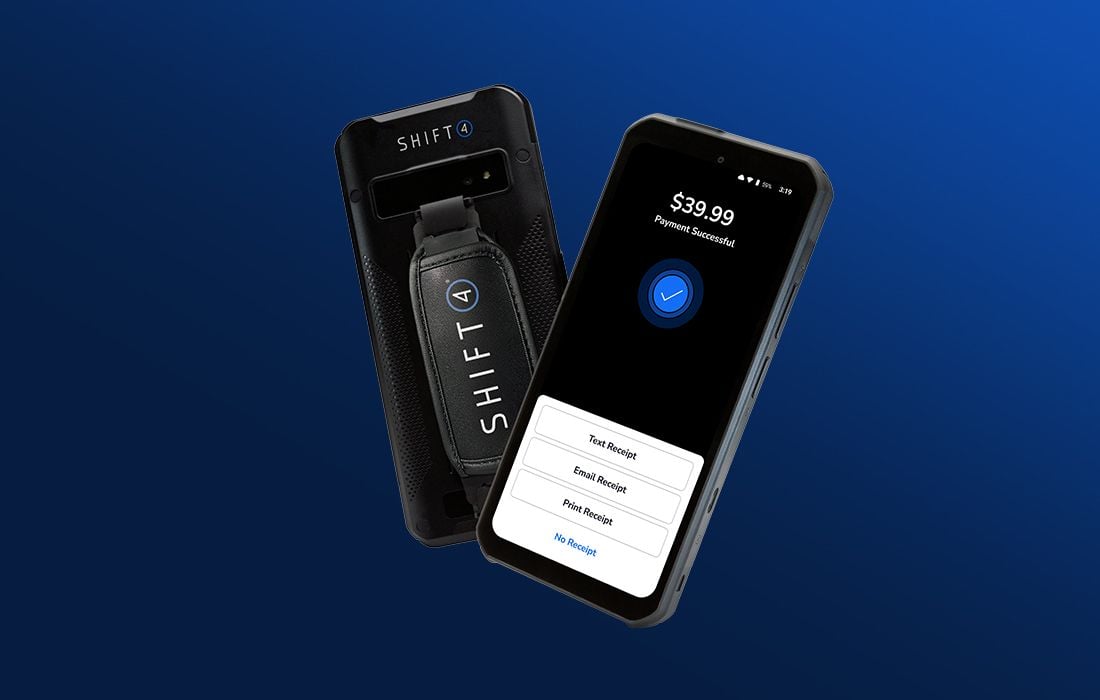
Tableside service
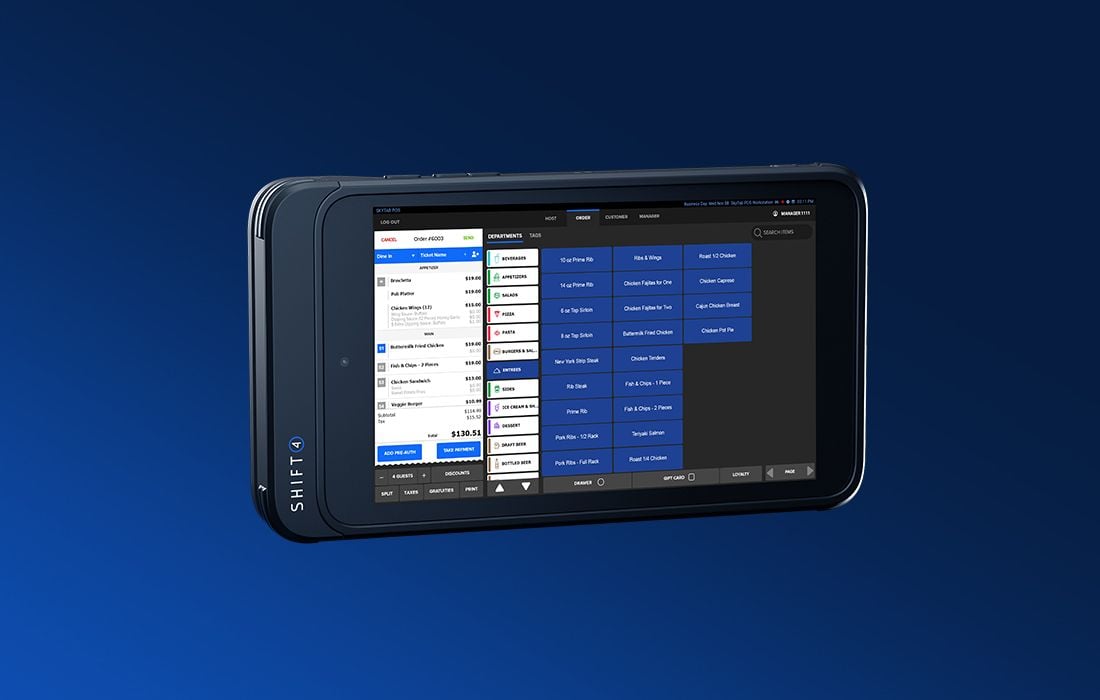
Flexible order station
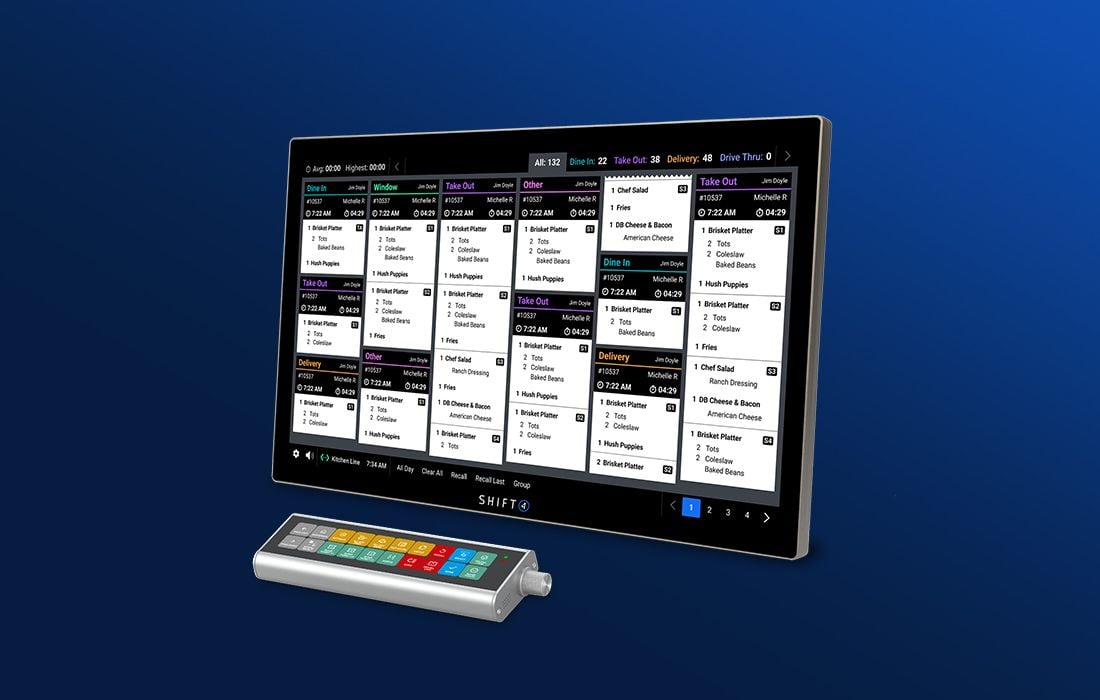
Back-of-house order flow
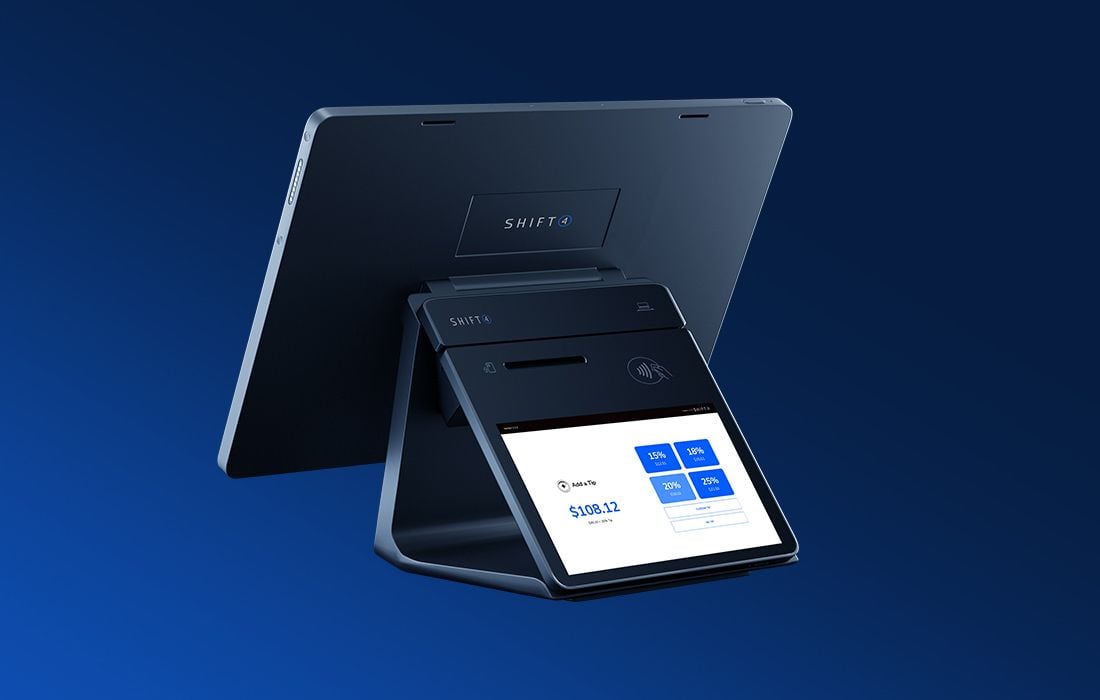
Guest-facing checkout
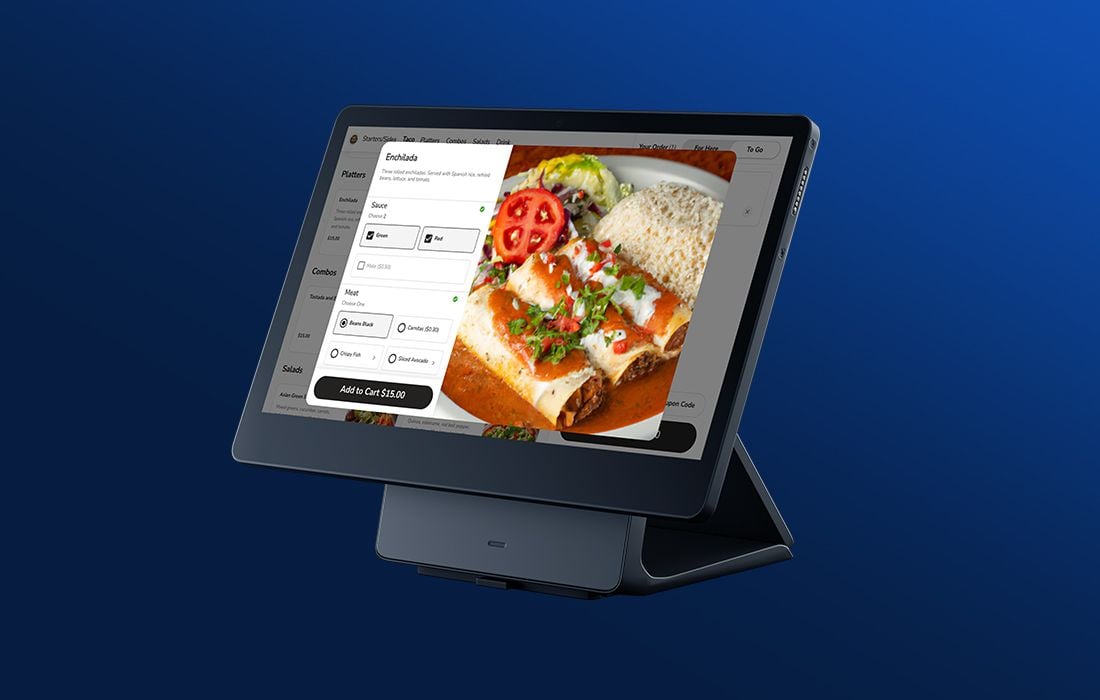
Guest ordering
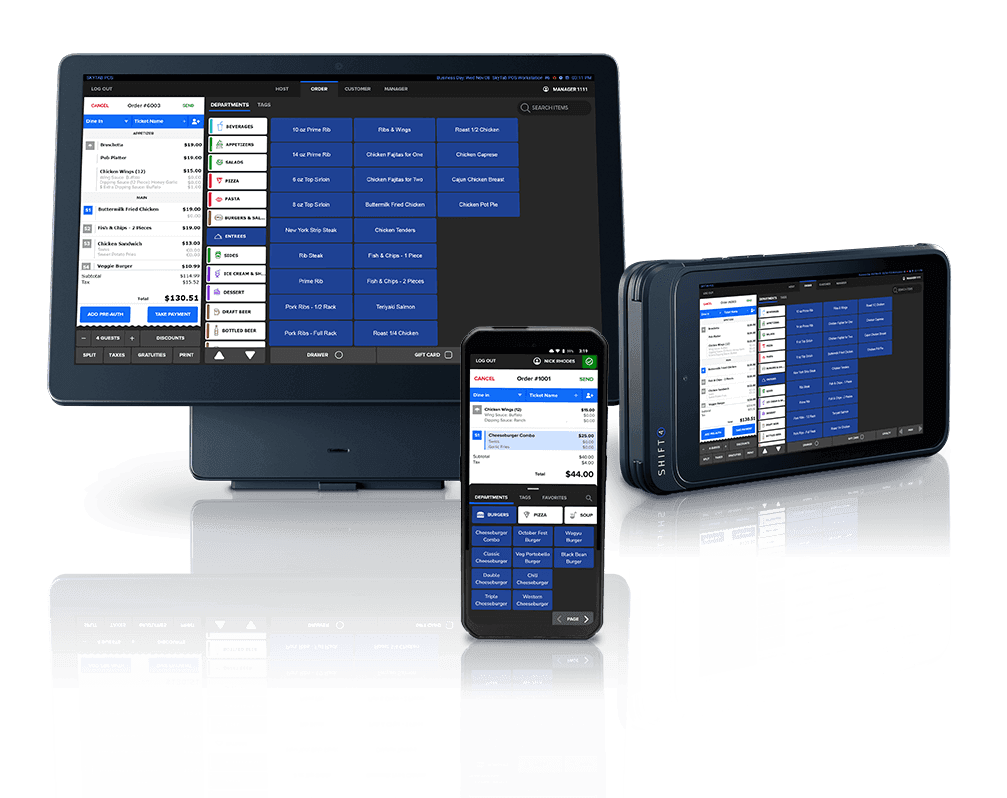
Connected restaurant setup
Confirmed before you commit
Possibly. Some POS systems limit you to one processor and some work with several. We check with your POS company and your current agreement before recommending anything.
It depends on the POS, the provider’s tip settings, and how you handle payroll. We ask how you pay tips today and check that the new setup records and reports them in a way that works for you.
We plan around your slow hours and confirm menus, printers, and test payments before you open. A switch typically takes 1 to 2 weeks, depending on provider approval and equipment delivery.
There may be options, such as surcharging or dual pricing. They are different arrangements with their own card-network and legal rules. Ask us to include them in your review and we will check them for your business.

Tell us how your team takes orders and payment. We’ll compare restaurant options and explain the full monthly cost.