
How you check out
Counter, handheld, or phone. Tap, chip, swipe, and keyed sales can each cost a different amount.
Esta página está disponible solo en inglés por ahora.
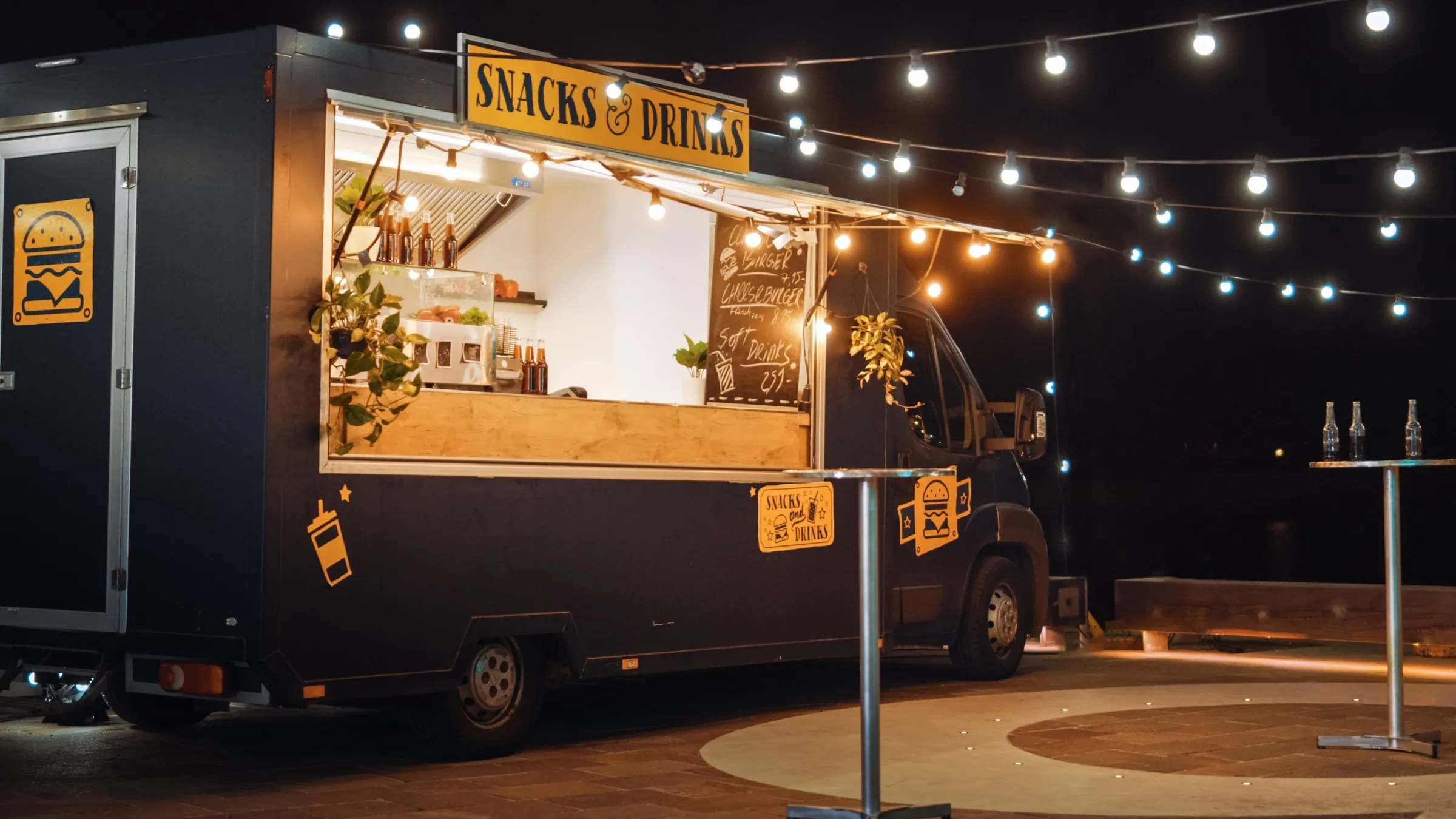
In person and on the go
A counter, an event booth, or a customer’s driveway. We compare terminals and mobile options around how you check out, where your signal is, and what you need in your reports.
St. George, Utah
Two shops with the same terminal can pay very different amounts. We start with how you take payment and work outward from there.
Common fits
Counter, handheld, or phone. Tap, chip, swipe, and keyed sales can each cost a different amount.
Wi-Fi, cellular, or an offline plan. Events and job sites need a plan for spotty coverage.
Printed or texted receipts, tip prompts, and tax handling should match how you already work.
Daily totals, sales by person, and when funds reach your bank all vary by provider.
Whether today’s terminal can work with a new provider depends on the terminal and your agreement. We check before anything changes.
Buy, lease, or included. We put the full equipment cost and any term next to the rate.
Most in-person businesses land on one of these. Many use two, such as a counter terminal plus a handheld for events.
| Setup | How it works | Often fits | Watch for |
|---|---|---|---|
| Countertop terminal | A fixed device at your register. | A shop or counter with steady traffic. | Needs power and a reliable connection. |
| Handheld terminal | A portable device that travels with your staff. | Events, deliveries, and job sites. | Battery life, signal, and a plan for offline moments. |
| Phone card reader | A small reader paired with a phone or tablet. | Light or occasional volume. | Fewer features, and your phone becomes part of checkout. |
General guide, not a quote. Features, fees, and availability depend on the provider and your business.
We are not tied to one device or brand. The right terminal is the one that fits your checkout and the provider you choose.

Countertop, handheld, and POS workflows

Register, terminal, handheld, and business tools

Readers, smart terminals, and Payments Hub

Standalone, wireless, and dual-screen terminals

Gateway-led payments and SmartPOS options
Equipment gallery
These are comparison options, not a promise of availability or approval. PayPro confirms the provider, device, accessories, ownership terms, and complete cost before an order is placed.
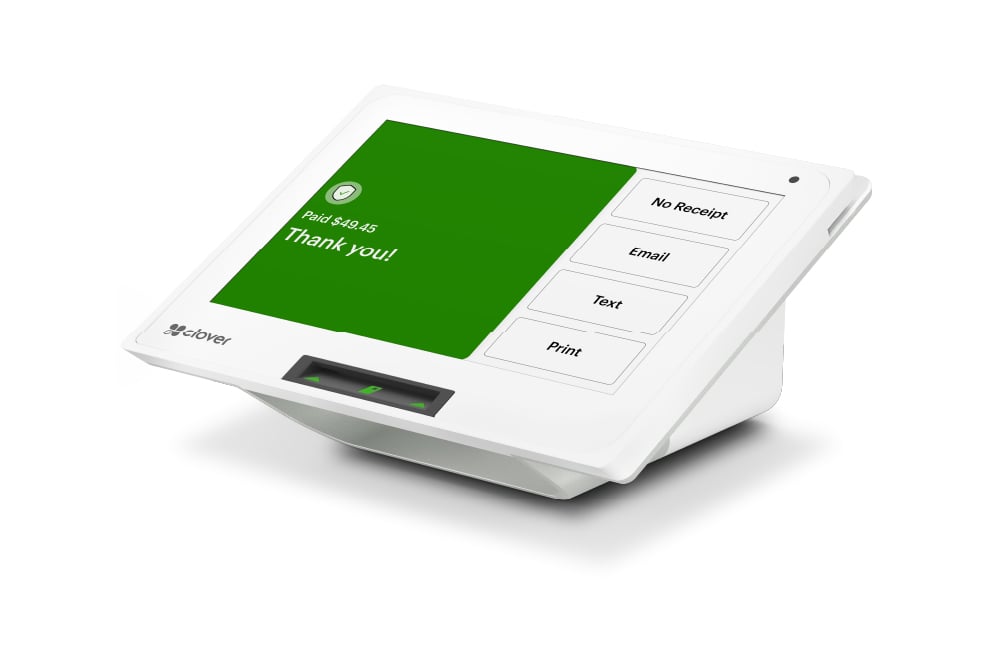
Countertop POS
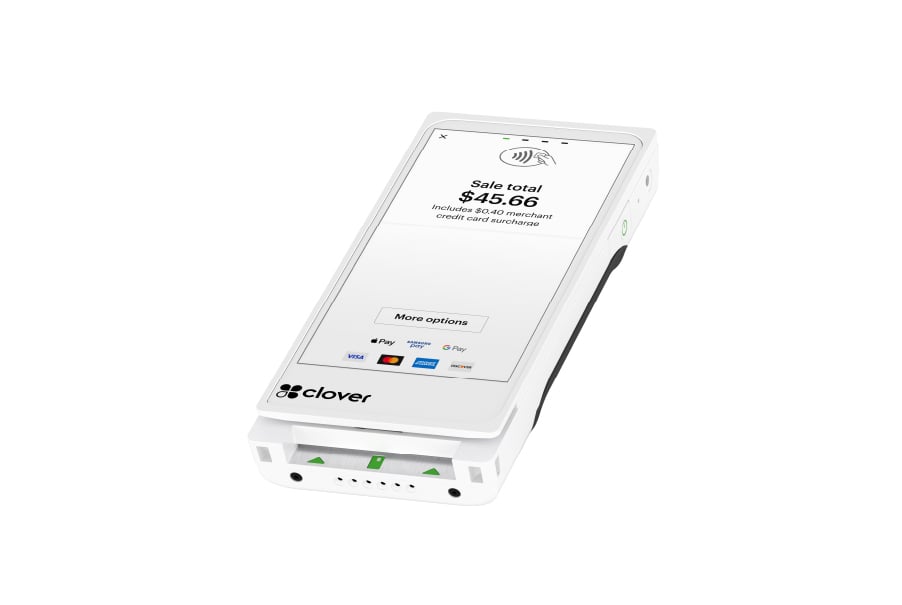
Handheld checkout
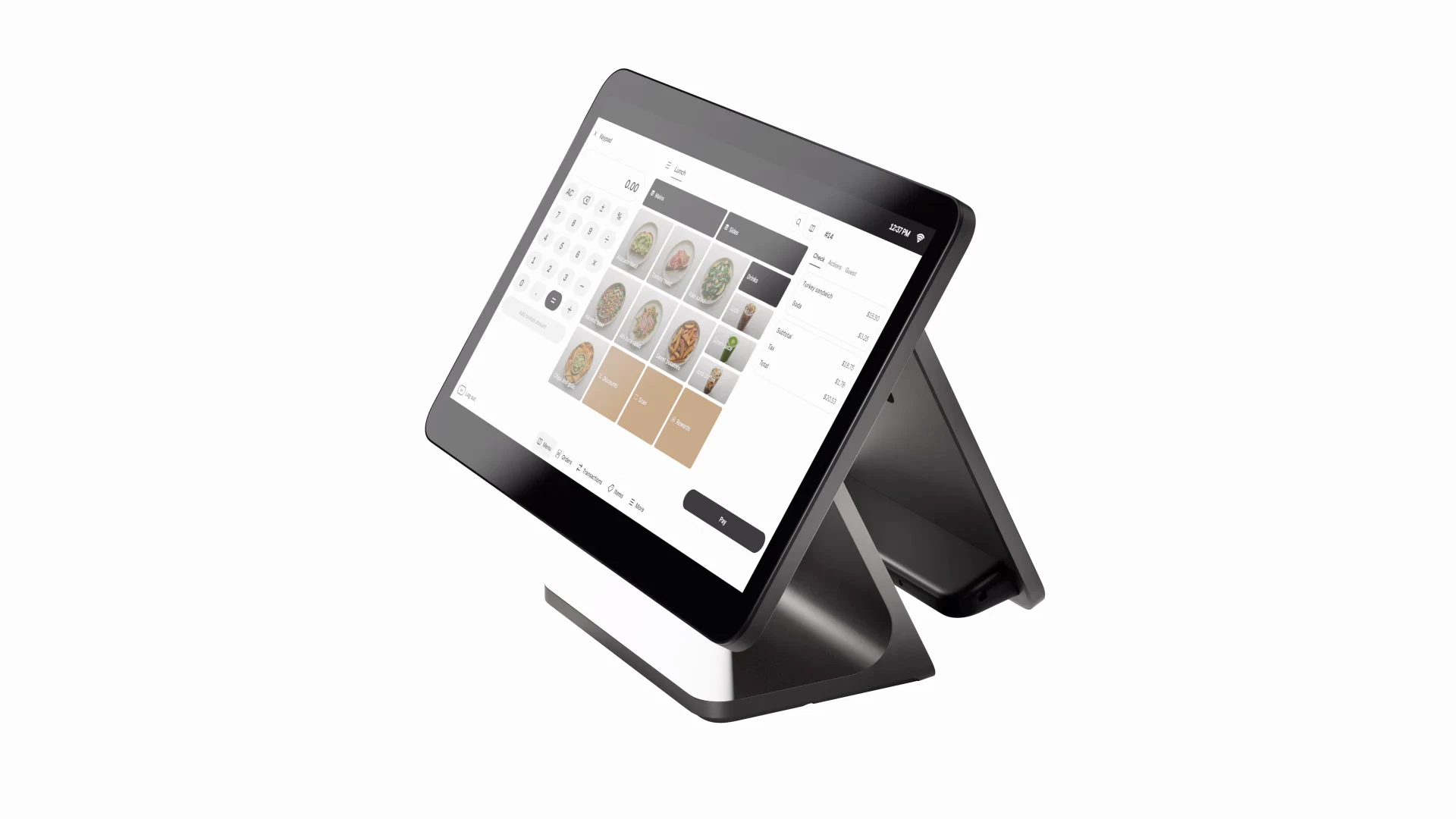
Complete counter system
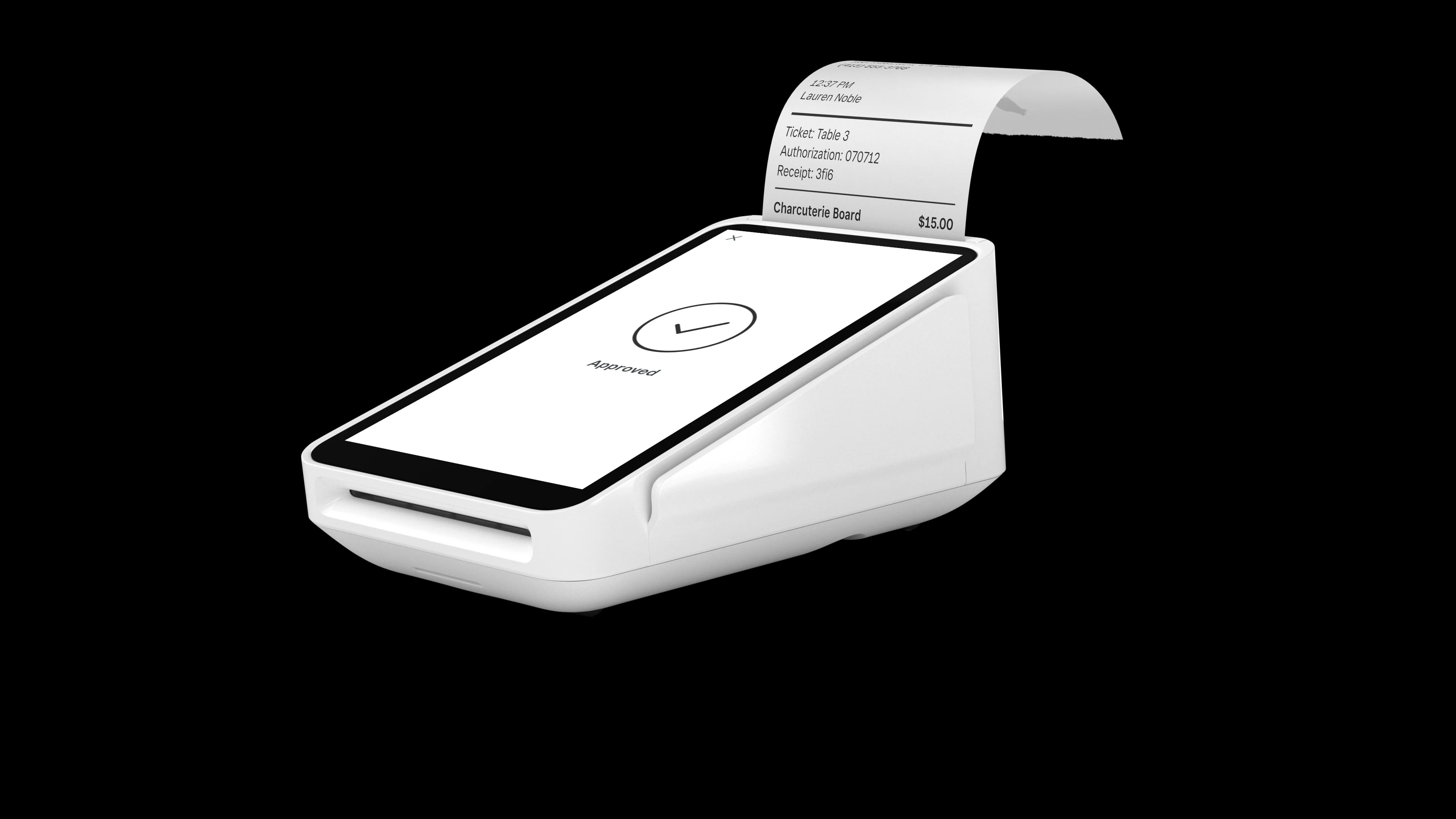
Portable terminal and receipts
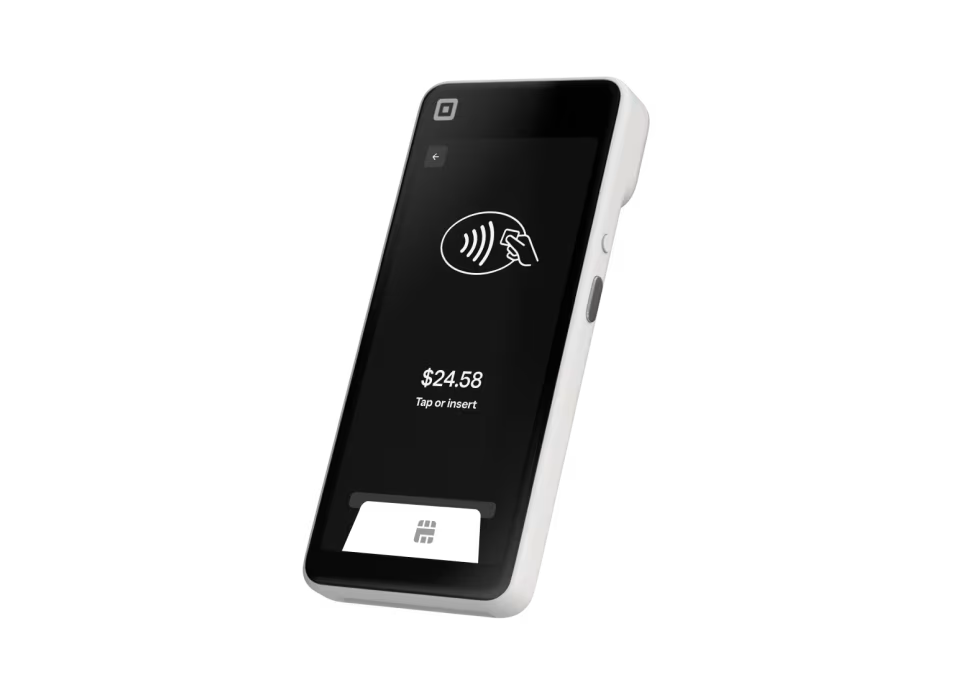
Tableside and line-busting
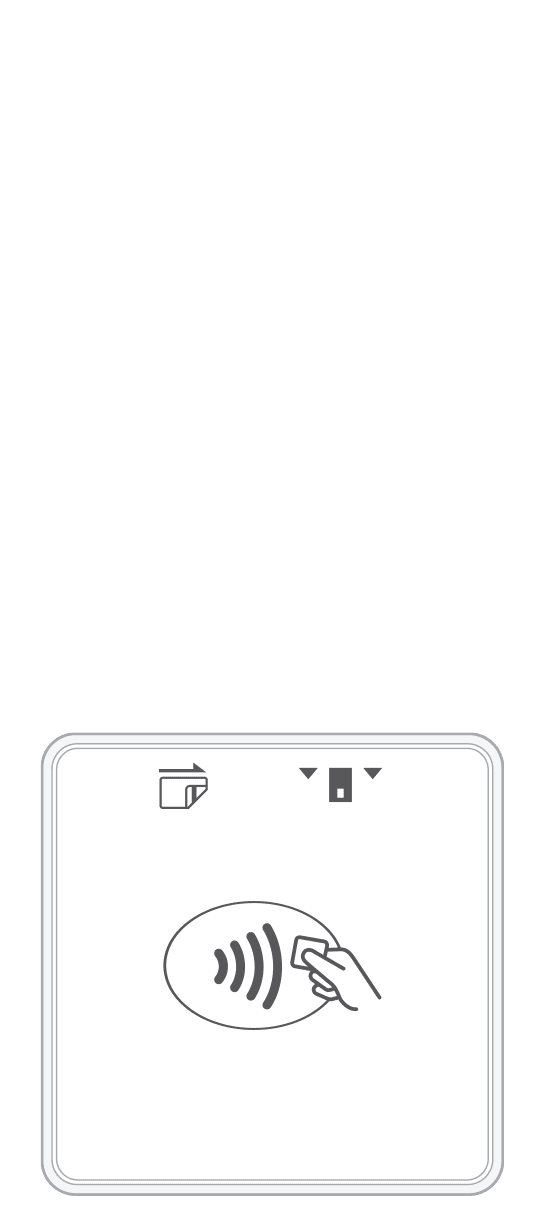
Phone-based acceptance

Compact smart terminal
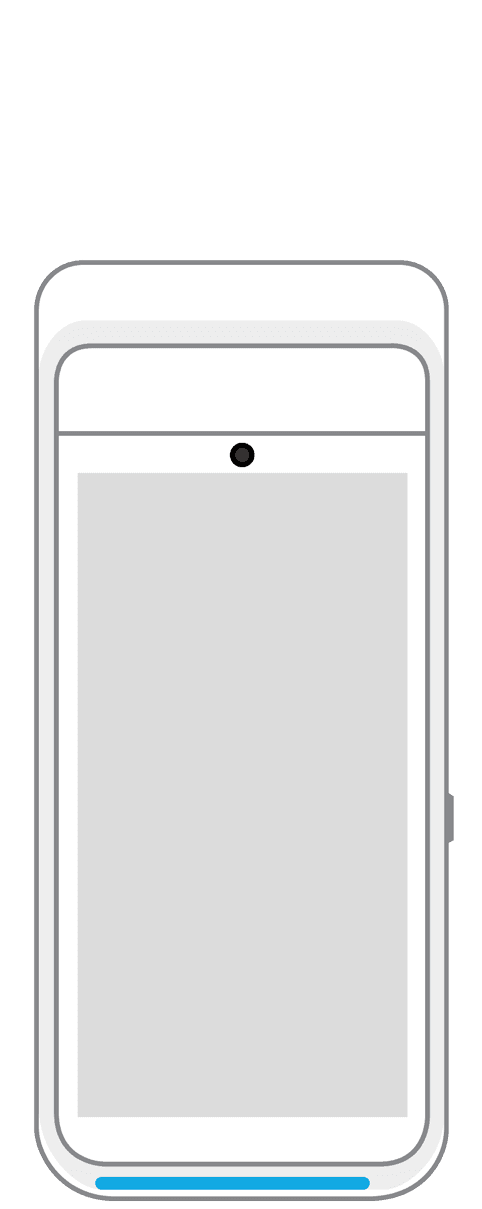
Portable checkout
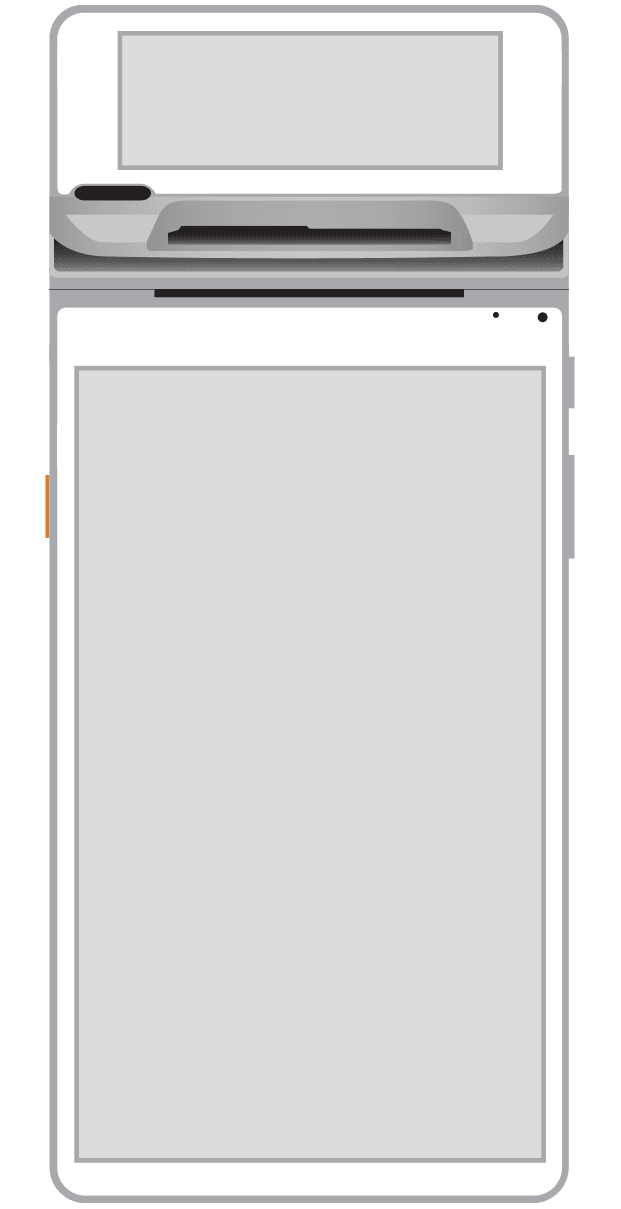
Flexible counter setup
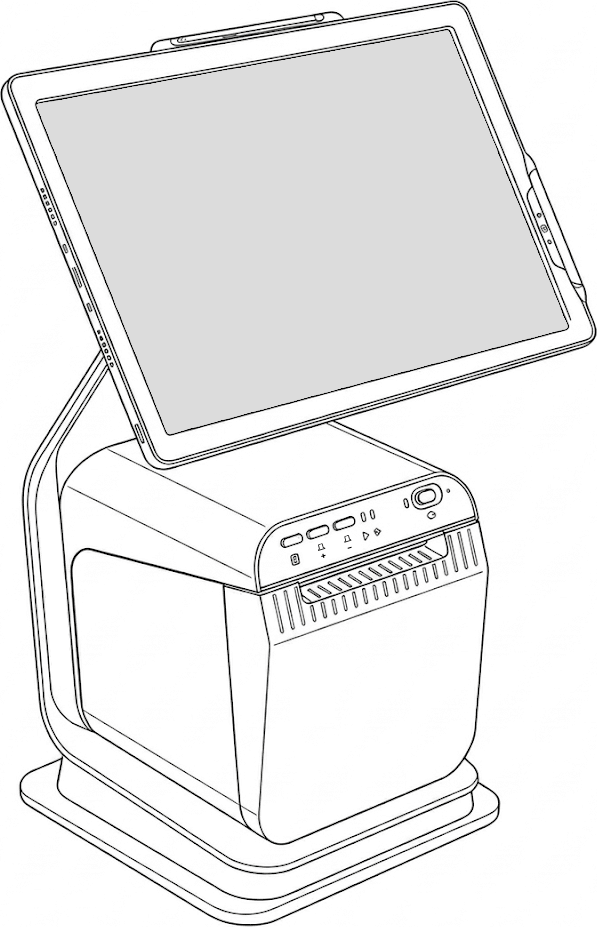
Complete counter POS
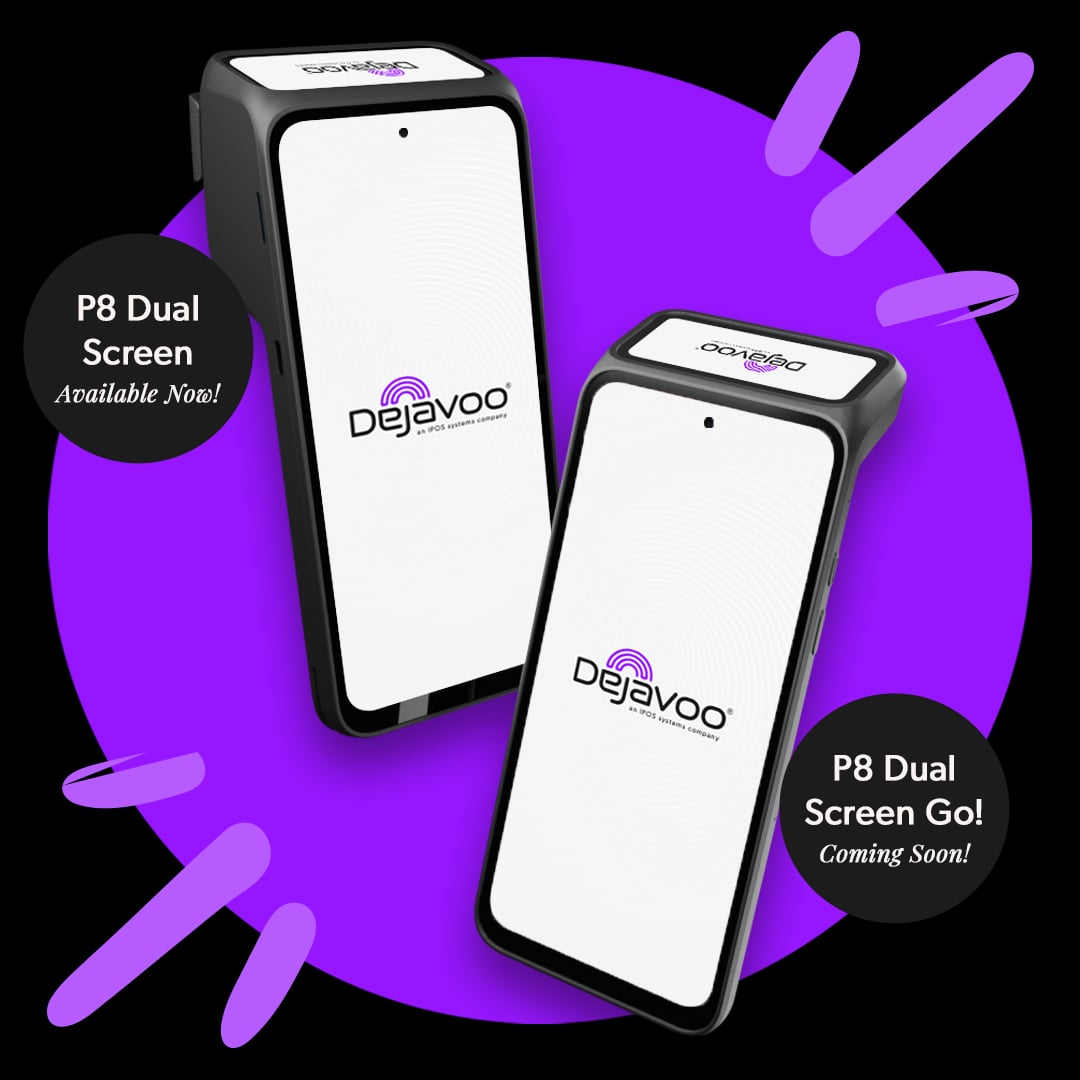
Dual-screen checkout
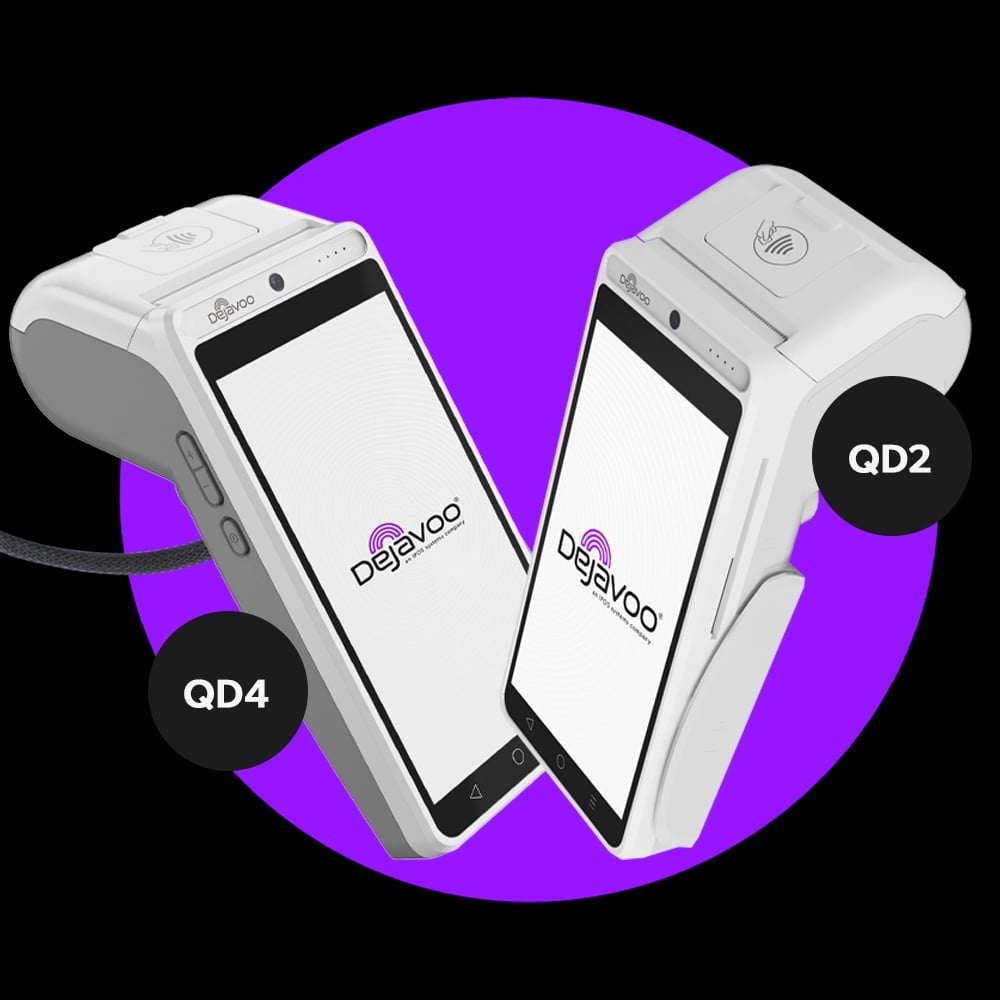
Mobile or countertop
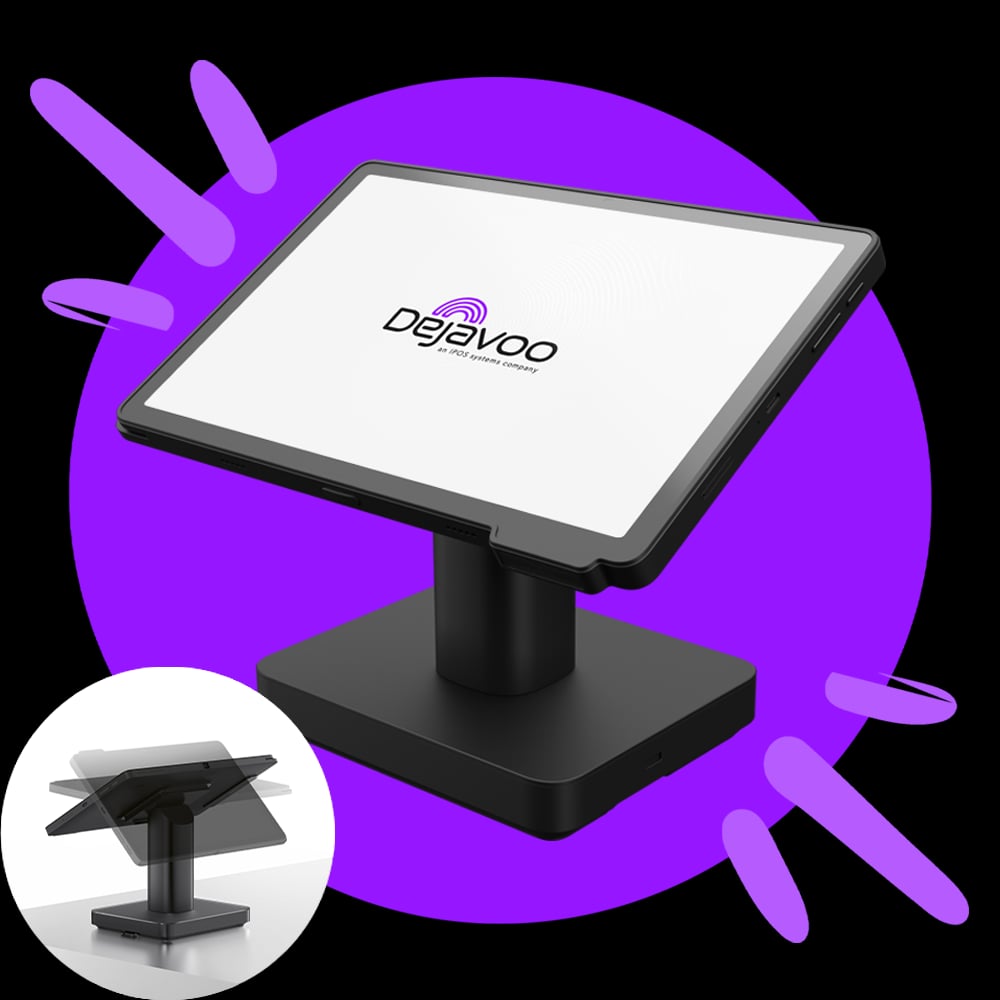
Wireless checkout
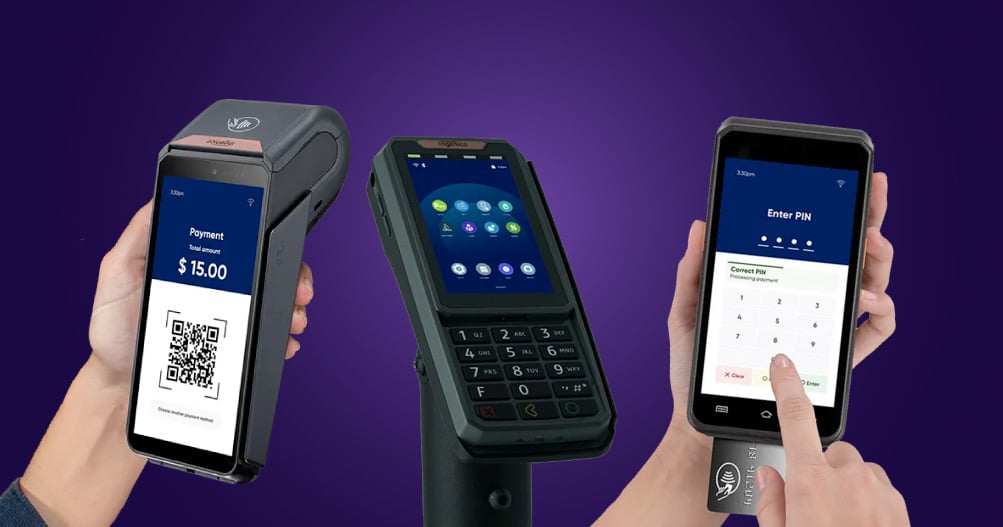
Smart terminal family
Confirmed before you commit
Possibly. It depends on the terminal model and your current agreement, and some devices are tied to one provider. We check before you switch and tell you if a replacement is needed.
Tell us where you take payments. We look at Wi-Fi, cellular, and offline options for each provider and explain what happens when the connection drops, so you know the limits before you decide.
Often, with a card reader or a tap-to-pay app, depending on the provider. Features, fees, and limits differ, so we compare them against how you actually sell.
No. PayPro does not force an equipment lease. If a provider offers leasing, we show it next to the purchase option so you can compare the total cost.

Share how you take payments today. We’ll compare terminal options and explain the full cost, not just the rate.